
Build or use a ready-made system: what your team owns if you build
By the end you'll know what your team has to own if you build the back office yourself, so you can choose between building and using a ready-made system.
Contents
Deciding between building your own betting site and a turnkey betting website from a vendor? The real question isn't which is better. It's what your team is ready to take responsibility for. This is a neutral checklist for operators. It doesn't push you toward either route, it isn't written for players, and it isn't legal advice.
Before you decide, answer these three questions
- Does anyone on your team actually have the skills to build and maintain a money system, or would you need to hire?
- How many brands will you open, in which markets, and will you add more later?
- If money goes wrong in the middle of the night, who is responsible, and who will follow up until it is closed?
If you build the back office yourself, your team needs these six things
These six are what a team runs into every day. They are not a full technical list. Try answering the question under each one on your own. If you can't, there is still work to do. The lines that start with "Example from EVOTEX" describe how one ready-made system handles that topic. They don't say you have to choose it that way.
Money queues
Withdrawal requests, deposit requests, and commission payouts should each have their own queue: you see the items, decide, and see the result in the same place.
- Ask yourself whether the approver sees every pending item from a single page, and whether they can tell how long each one has been waiting.
- Example from EVOTEX: withdrawals sit in one queue page. The finance team approves or rejects, and the result shows in the same row. Read more in how the withdrawal queue works.
Roles and permissions
The finance team shouldn't see the marketing team's menus, and the other way around. Whoever approves withdrawals should have only the permissions they need.
- Ask yourself whether you can close a person's account right away when they leave the team.
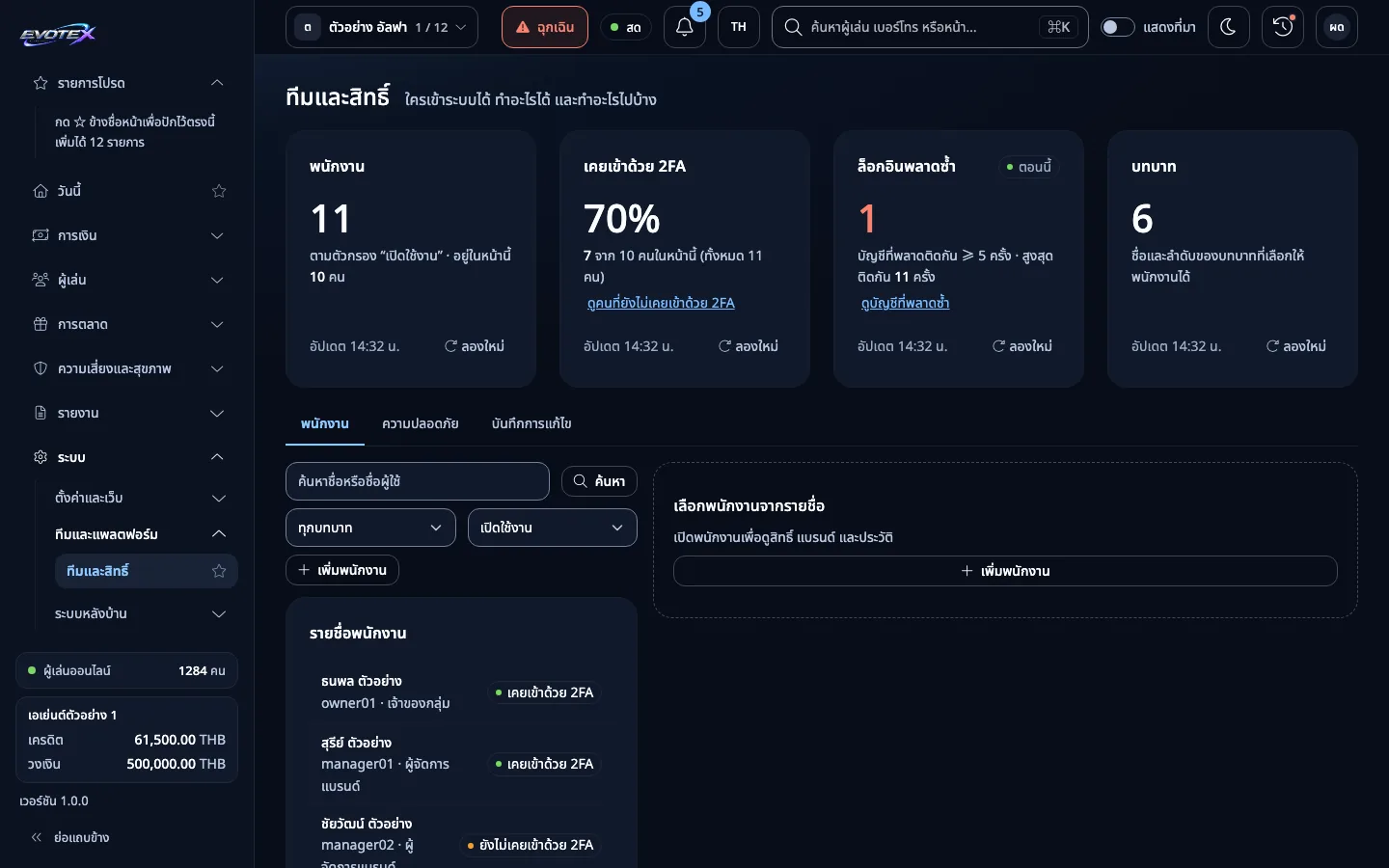
- Example from EVOTEX: the owner adds or removes people, sets roles, and chooses how far permissions reach, at the level of a brand, a group, or the platform.
Activity history
A system that moves money has to show who did what.
- Ask yourself whether you can look back and see who approved which item, and who changed the payment accounts.
- Example from EVOTEX: the history and security page shows who did what, plus sign-in history (sample in the demo).
Mobile
You should be able to do the main jobs on a phone, not just check the numbers.
- Ask yourself whether you have to scroll sideways to find a button, and whether you can approve an item from a phone.
- Example from EVOTEX: every page is designed to work at 390 px wide, and we've checked it in a browser at that width. We haven't tested real iOS and Android devices yet.
Money status
Money isn't just done or not done. Sometimes a system answers unclearly. You need to hold the record until a person closes it, not send the order again, because the first order may have gone through and only the answer got lost.
- Ask yourself whether, if the same order arrives twice, your system stops the money from going out twice, and who follows up the items that are unclear.
- Example from EVOTEX: if a money order gets an unclear answer, EVOTEX holds the record until a person closes it, and the order can't be sent again from that item. Each approval carries a duplicate-request key, also called an idempotency key (sample in the demo, not yet tested with a live payment system; the duplicate-request key is designed, not in the demo).
Moving your data
Member data, the agent structure, and financial history must be exportable out of the system, in case you change your mind one day.
- Ask yourself whether you can export every kind of data, and who does it when you switch systems.
- Example from EVOTEX: our team helps plan the move of member data, the agent and sub-agent structure, and financial history. What moves and how long it takes is something you discuss during your demo call. Read the checklist in migrating your back office.
What goes to the vendor, and what stays yours
Using a ready-made system doesn't make all the work disappear. This table separates what you should ask the vendor about from what is always yours. It's general advice, not a statement of fact about EVOTEX.
| Topic | If you build it yourself | If you use a ready-made system | Always yours |
|---|---|---|---|
| Money queues | Your team builds and fixes them | Ask which queues exist and which page they run from | The person who presses approve |
| Roles and permissions | Your team designs them | Ask how far roles and permission scopes can be set | Deciding who gets which permissions |
| Activity history | Your team builds it | Ask what you can look back on | Reading and reviewing the history |
| Mobile | Your team builds and tests it | Try it on a phone yourself | Deciding which jobs must be doable from a phone |
| Money status | Your team designs the protection against duplicate orders | Ask how duplicate orders are stopped | Following up unclear items until they are closed |
| Moving your data | Your team plans and does it | Ask who does it and what can be moved | Deciding what to move and what to keep |
| Laws in your market | Ask your own legal adviser | Ask your own legal adviser | Every decision |
Questions to ask a vendor of a ready-made system
- Which parts are live, and which exist only as a design?
- Ask to try it yourself on sample data, not to watch slides.
- Can you export your data, and who does it for you?
- If money goes wrong, who follows it up, and how?
- What does the contract look like, and what happens if the scope changes?
Where EVOTEX stands on this
As far as this page can confirm:
- EVOTEX splits the scope of use into brand, group, and platform. Every level comes with the back office and the brand's player site in one bundle.
- The contract format can't be confirmed on this page. Ask our team when you request a quote.
- You can see what EVOTEX costs on our packages (page in Thai), and you can request a quote for the scope you need.
Keep reading:
- Compare vendors as a whole with how to choose a back-office system
- See the cost items worth asking about in cost structure
- See the three levels in EVOTEX scope of use
- Try the system with sample data in try the back office with sample data
Related features
- The alerts inbox, sorted by urgency designed, not in the demo
- Set the time for pending withdrawal alerts, and the channels designed, not in the demo
Related reading
Cost structure
Eight categories of cost to ask about before a quote
Rent the system
All three scopes of use
How to choose a back-office system
Questions to ask a vendor

Request a demo
Want our team to look at the real thing with you? Request a demo.