


End-to-end iGaming platform technology to power your business steadily
EVOTEX builds and provides iGaming platform solutions for operators, covering management systems, game integration, transaction systems, and tools for fraud prevention and DDoS protection. It can be adapted to how each organization operates.
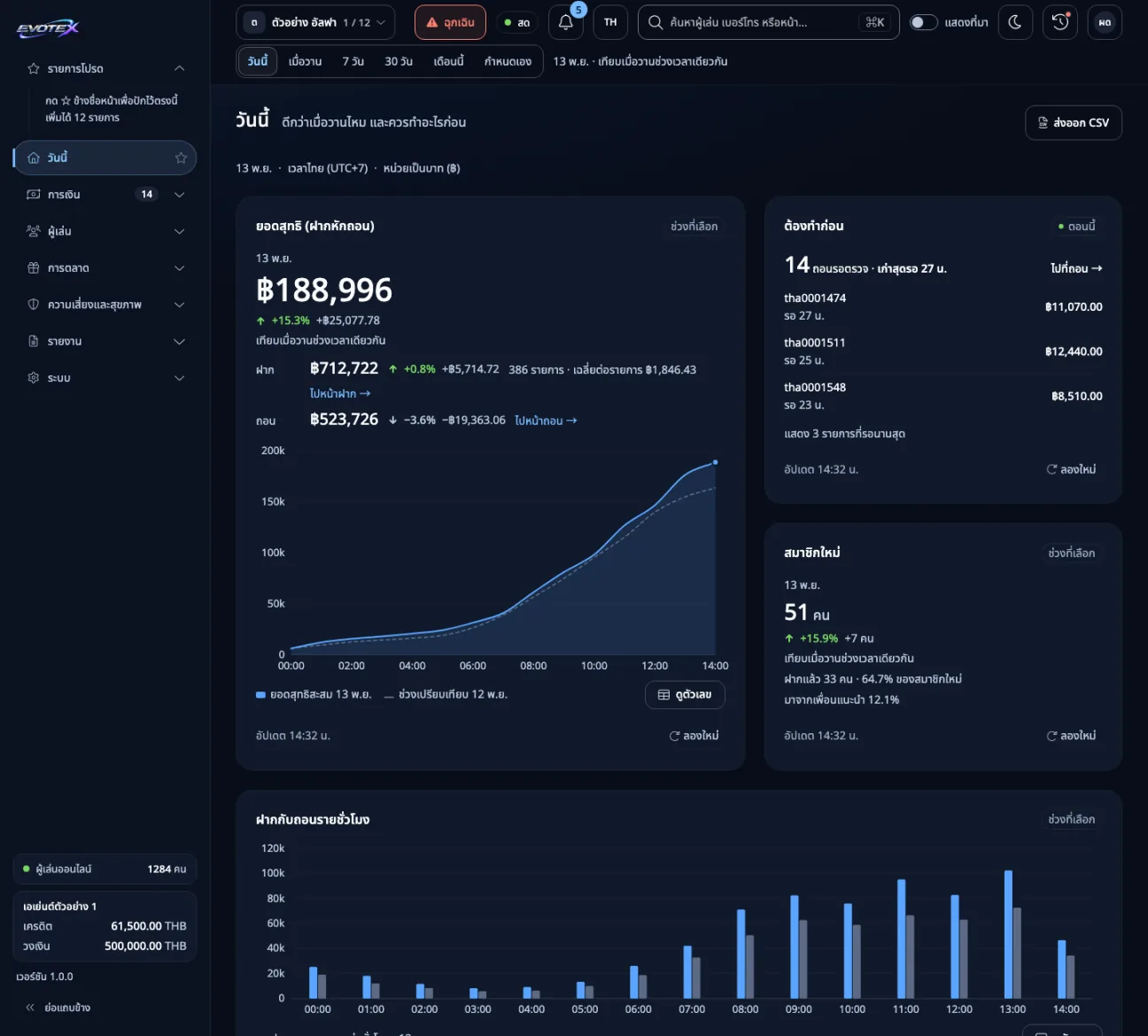
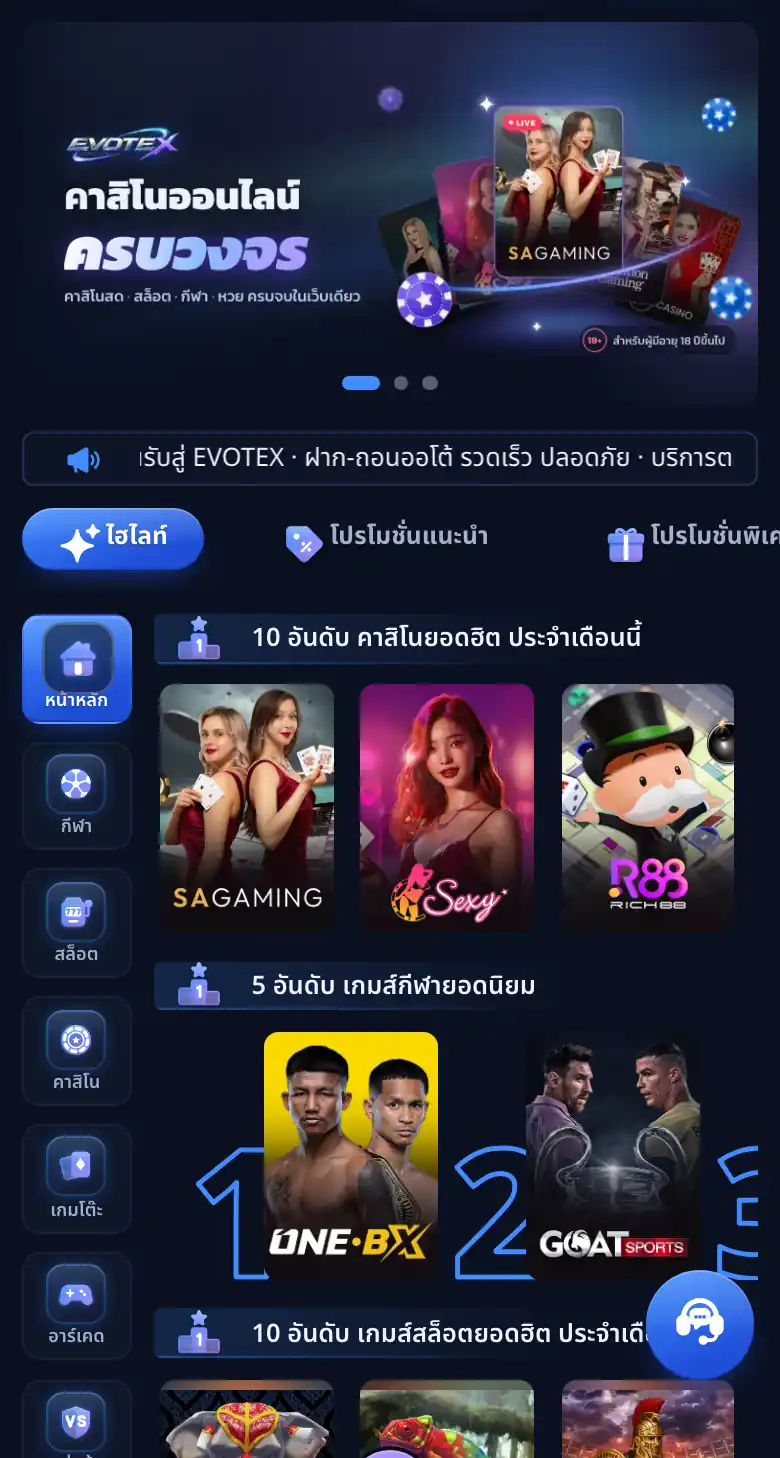
50 features
in the back office, in 8 groups, each with a screenshot from the demo
28 or more
game providers you can connect, counted from the example brand
6 templates
player site templates to choose from, with colors, logo, and brand name you can change (mockups, except one real player site)
21 guides
guides that help you decide on opening a brand faster



























Technology that fits real operations
Tailored to your needs
Supports settings and adjustments to how you use it, within the scope of the service, to suit each brand
Managed from one center
Links the key tools for members, finance, promotions, and reports in one system
Designed with security in mind
Gives priority to permission control, activity tracking, and risk reduction
Technical support
Our team gives advice and support through the channels and service levels you agree on
Complete solutions
From building a platform under your own brand to managing the back office, connecting game providers, and handling payments, EVOTEX brings the key pieces together so they work as one system.
White-Label Platform
Build an experience under your own brand identity
Game Integration
Game provider connections through one central platform
Back-Office Management
Run operations in an orderly way from one center
Payment Solutions
Transaction management solutions linked to how the platform runs
Security Solutions
Security management that supports confidence in running your business
Try the system
Explore how the platform works in a demo that uses simulated data. Get a feel for how it works and what the main functions do before you talk about a real installation.
All data in the demo is sample data.
Demo UI is in Thai (sample data)
Read the full transcript
Summary of what you see in the video: scrolling the Today page, going to the withdrawal list, scrolling the pending items, opening the first item, seeing the four-step bar (claim, check before transfer, confirm transfer, bank result), pressing Claim and typing the confirmation word in the box, then the bar moves to check before transfer. The video ends there and does not show choosing the transfer account, the check result, the confirm-transfer step or the bank result. It has no sound. (sample data from the EVOTEX demo)
Try the demo first, then get your information ready
We're setting up the contact channels. In the meantime, try the demo. Once they open, tell us how many brands you manage and our team will set up a walkthrough.