
Betting site agent system: what agents need and what EVOTEX covers
You get a partner commission payout queue and commission reports in the same back office as the withdrawal queue. It comes with your brand's player site in one package.
Contents
What an agent system is: words people mix up
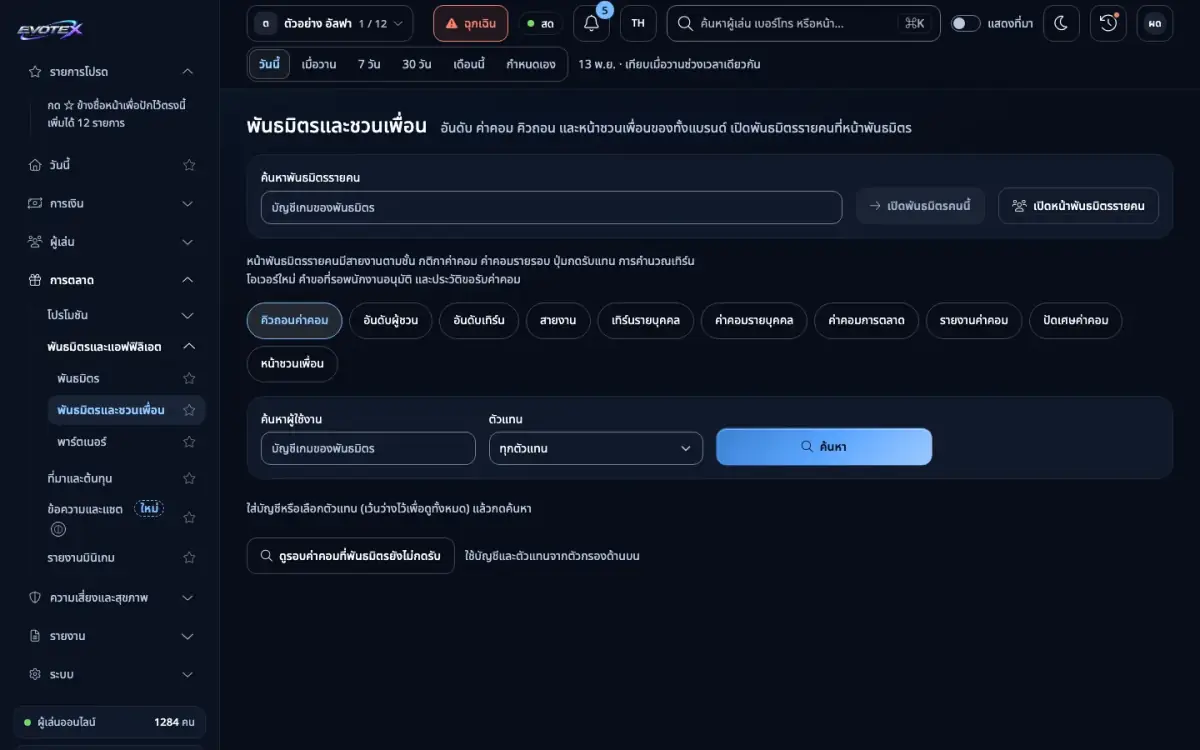
People in the business call the same group of people agents, representatives, or partners. In the EVOTEX back office, the menu that handles this group is called Partners. It sits in the back office that comes with your brand's player site in one package.
A working agent system has to answer four questions:
- Who is an agent
- Who sits under which agent
- How commission is paid
- Who approves the payout
The EVOTEX demo answers the last two: how commission is paid, and who approves it. The first two don't have a page in the demo yet. The lower part of this page lists what isn't there yet and what to ask. It's written plainly so you don't assume something exists when it doesn't.
Try it in the demo: the commission payout queue
Open the Partners menu in the demo and you'll see partners' commission withdrawal requests as rows. You can try it yourself in the commission payout queue in the demo (opens in a new tab). The page shows 14 sample rows, and no real money moves.
- The strip at the top summarizes totals by status: waiting to be paid, paid, and rejected, with a total for each status
- There are two filters: amounts of 10,000 or more, and has a note
- Each row shows the partner's name, code, number of referrals (the people that partner brought in), when the request was made, the status, and the commission amount
- A row with a note has a short line of text under its status, for example that the amount is several times higher than the last request
- At the end of each row are the buttons Pay commission and Reject
If there are many items, you don't have to click row by row. Click the button to select everything waiting to be paid, and pay them all at once. The bar at the bottom shows the number of items and the total before you pay, and the confirmation box has a field for an OTP.
If you'd like to look at one partner's details first, click that row. A side panel opens, and you can pay or reject that partner from the panel.
Commission reports: by partner and by day
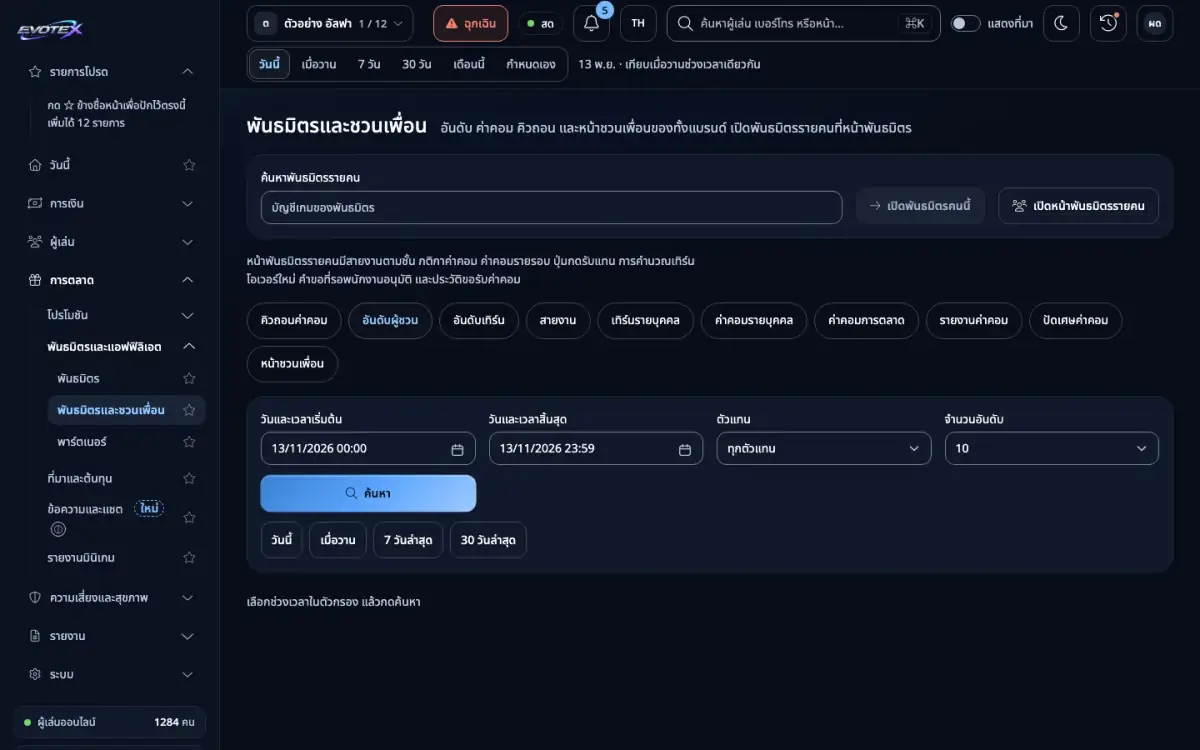
Next to the payout queue, the Reports menu has two reports in the partners group. They show how much commission was earned and how much was paid out.
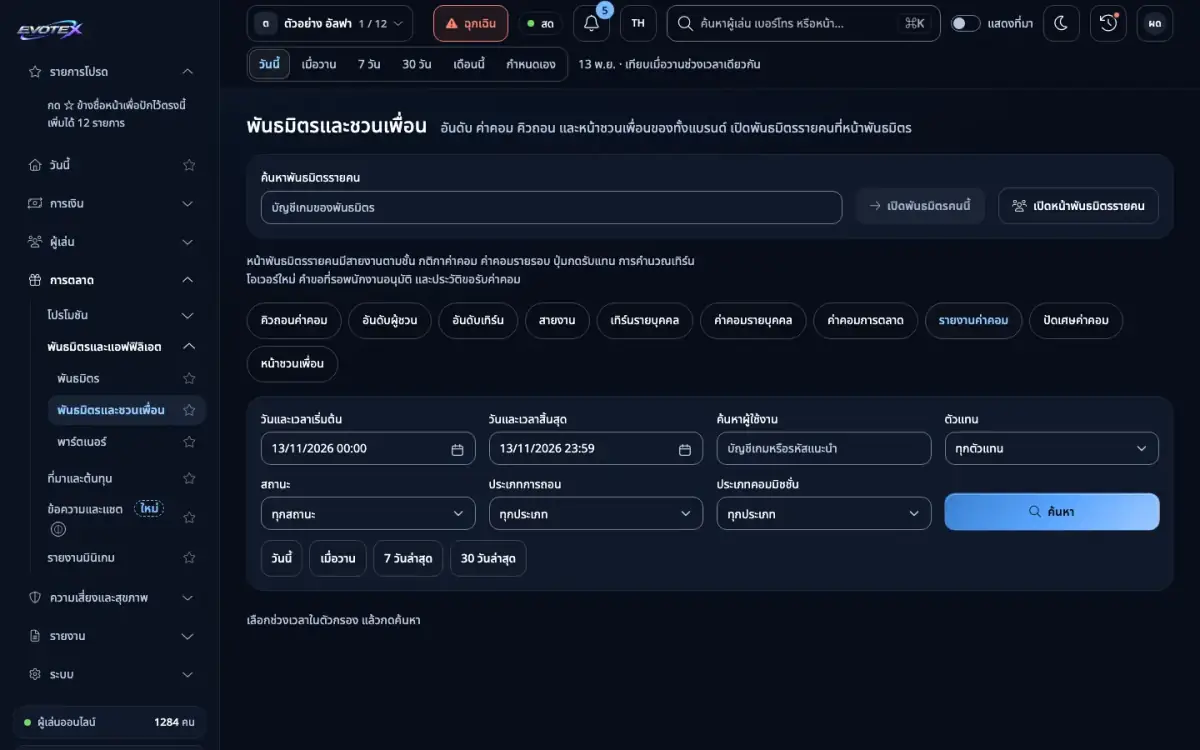
- Commission by partner: for each partner, you see the commission, the number of referrals, the referrals who played, the referrals' deposits, the amount already paid, and the amount still owed
- Daily commission: for each day, you see the commission earned, the amount paid out, the difference between the two, and the number of partners with commission, plus a total row for the whole range
You choose the date range yourself, and the numbers are compared with the previous range of the same length. You can export only as a CSV file.
The finance team that pays commission: who sees and does what
The person who clicks pay commission is the person who holds the money, so it matters who can click what.
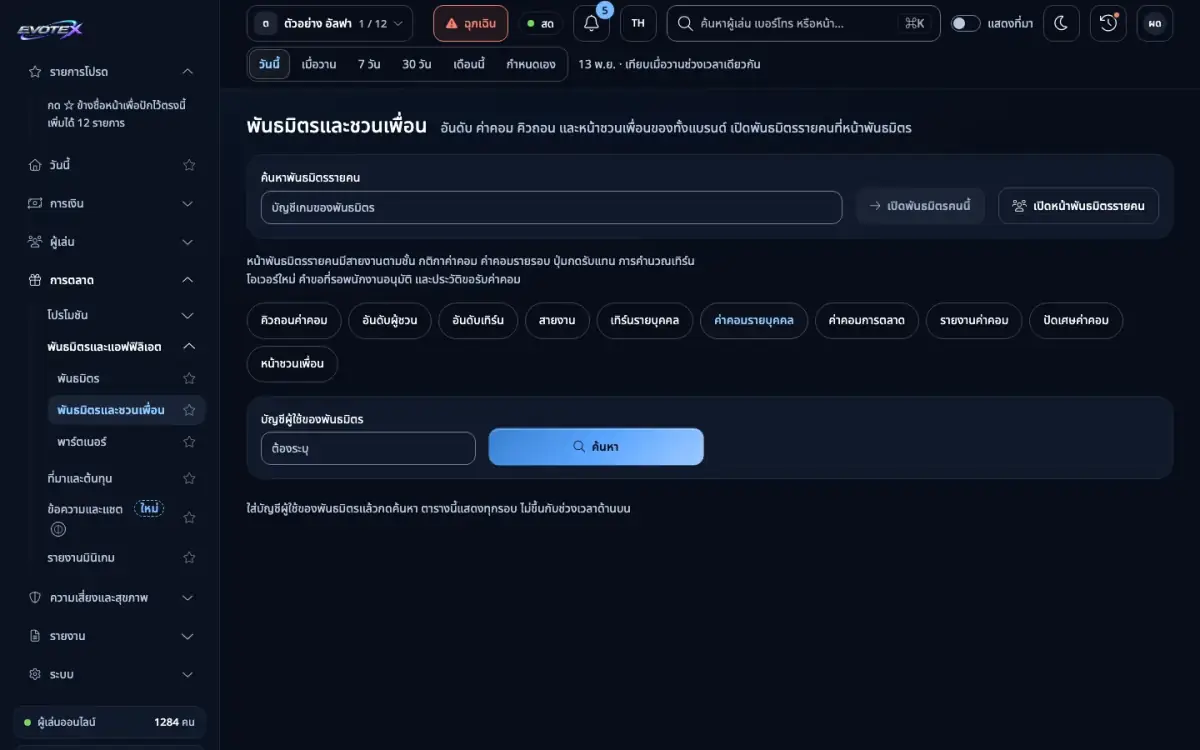
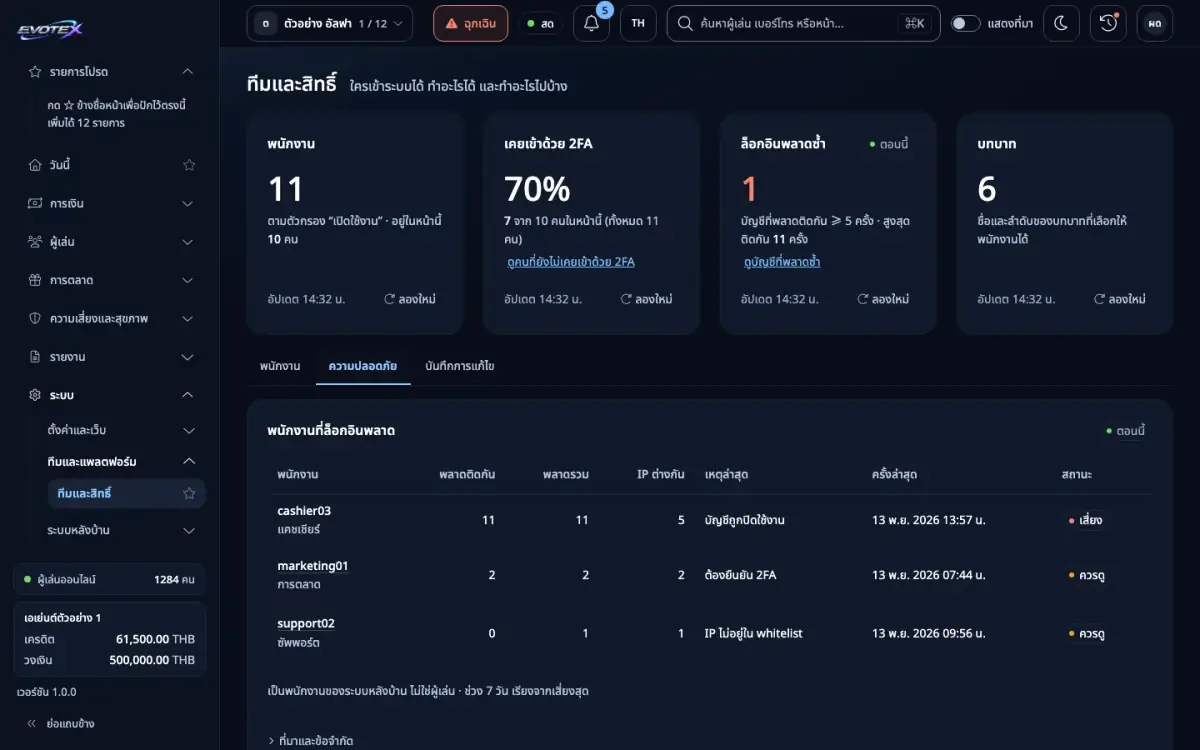
- Permissions can be set by menu and by action: 41 menus and 7 kinds of action, such as see the menu, edit, approve, export, and view full numbers, which is a permission of its own
- You can choose how far a permission reaches at three levels: brand, group, or platform
- The activity history page shows who did what, and you can search by the person's name and the item code
In the demo, the side menu isn't hidden by role yet. You can see the permission table for every role on the Roles page.
Two things this page doesn't tell you yet. Ask our team before you sign, and ask for the answers as text you can keep.
- Which permission is tied to the Pay commission button. Ask our team
- Whether each commission payout shows up on the activity history page. Ask our team
What this page doesn't say exists: ask our team first
The demo currently focuses on the paying side, not on organizing agent lines. This table is written plainly because if your business needs these things from day one, you should know before you decide, not after you've launched.
| What people often ask about | In the demo right now |
|---|---|
| Setting multi-level commission rates | No page for this in the demo yet. Ask our team |
| Sub-agents and the structure of agent lines | No page for this in the demo yet. Ask our team |
| A referral link for each agent | No page for this in the demo yet. Ask our team |
| Agents viewing their own totals | No page for this in the demo yet. Ask our team |
If you're moving agents from another system
Moving the data for agents and sub-agents from your old system is a job for our team, not a button in the back office. The demo has no import button. Our team helps plan the move when you agree the scope.
For time and cost, read what a migration costs and how long it takes. This page doesn't repeat the numbers. For what to prepare before a move, read migrating your back office.
Ask every vendor before you choose an agent system
This table works for every vendor, not just EVOTEX. The right-hand column says which questions EVOTEX can answer in the demo, and which you need to ask our team. For the step-by-step work, page by page, read how agent commission works.
| What to ask | Where to check | EVOTEX |
|---|---|---|
| What data can each level of agent see? | The permission and scope table | Permissions for the internal team are in the demo. Permissions for the agents themselves: ask our team |
| Where are commission rates set, and who can change them? | The commission rate page | Ask our team |
| Is the commission cycle daily, weekly, or monthly? | The terms in the quote | Ask our team |
| Who approves a payout? | The buttons and permissions in the payout queue | See it in the demo |
| Can you look back and see who paid what, and when? | The activity history page | See it in the demo |
| Can you export the data? | The export button on reports | See it in the demo. CSV export only |
Who it's not for
Not for: people who need multi-level commission rates and agent lines in the back office from day one, because right now that part is still a question to ask our team.
Keep reading
Read on by interest:
- The big picture of launching a turnkey betting website is in the full checklist
- The screens for the payout queue and commission reports are in partner commission in the demo
- How the withdrawal queue that the finance team uses works
- All the back office menus are in the back office (page in Thai)
- The brand's player site is in white label
- Scope of use is in renting the system, and pricing is on our packages (page in Thai)
Related reading
White label
Put your brand's name, theme, and look on the player site without building it yourself
Rent the system
All three scopes of use

Request a demo
Try the commission payout queue in the demo first, then take the questions on this page to our team