
White label betting site: your name, logo, and colors on the player site
You get a player site in your own brand without building a system. Choose from 6 templates, and our team's target is to make it your brand within 7 working days.
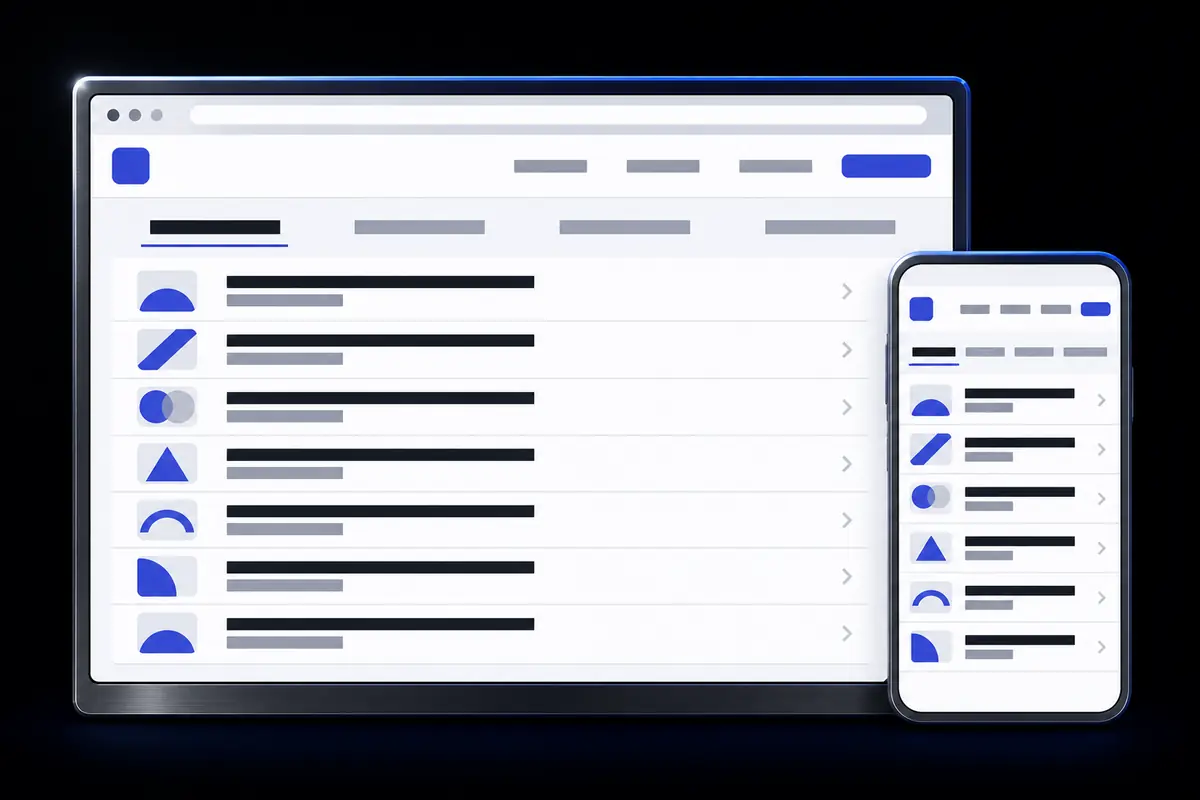 template mockup
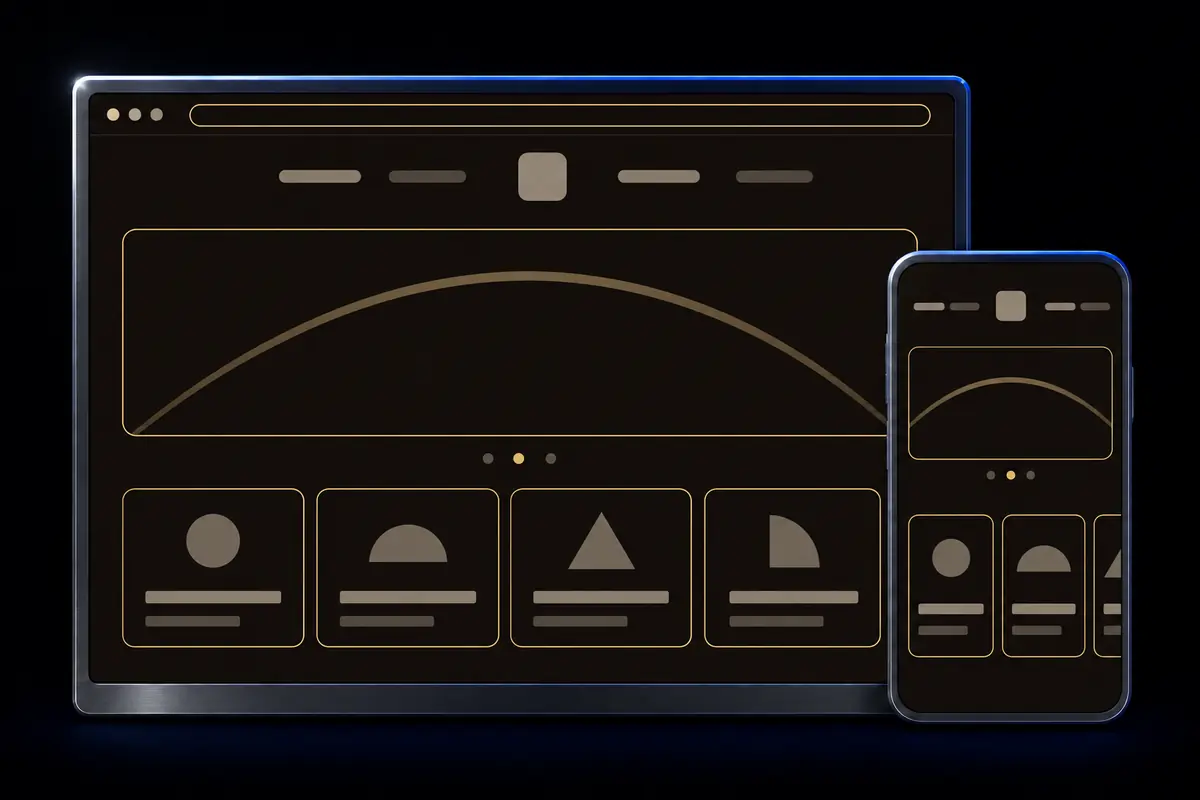 template mockup
Contents
What white label means: your site, our system
White label is a system that a vendor builds and maintains for you. You put your own brand's name, logo, and colors on it, so you don't have to build a system from scratch.
For a betting site, it means a player site that is your brand, running on the same platform as the back office your team uses. An EVOTEX package gives you the back office and the player site in one bundle. The player site is included in the package, not sold separately.
This page answers four questions:
- What you can change about your brand, and what you can already try in the demo
- Who does the work: your side or our team
- What to prepare for our team if you want to launch fast
- What you still need to ask our team before you agree
Where your brand goes: a table, point by point
This table goes through every point where your brand appears on the player site. The label sample in the demo means you can try it in the back office demo, which runs on sample data. The label designed, not in the demo means it's already designed into the system, but there's nothing to click in the demo yet.
| Where your brand goes | How far you can take it | Status |
|---|---|---|
| Brand name and app name | Set the brand name on the settings page. Set the app name and the name under the icon in the PWA tab of the Player site menu | sample in the demo |
| Logo and app icon | Add a light-mode logo and a dark-mode logo, plus the app icon that sits on a phone's home screen | sample in the demo |
| Colors | Choose from 12 ready-made color sets, enter one color and let the system build the whole set, or use quick setup, where you pick 5 main colors | sample in the demo |
| Fonts and font size | 6 Thai fonts, and font sizes from 13 to 18 | sample in the demo |
| Banners | Banners for desktop and mobile screens | sample in the demo |
| Home page layout and menu order | Choose from 8 home page layouts | sample in the demo |
| Game providers shown in the lobby | Turn providers on or off one at a time | sample in the demo |
| Player site content and SEO | Set the text and the search settings of the player site | designed, not in the demo |
On game providers, a brand can turn providers on or off one by one. A hidden provider doesn't show in that brand's lobby, so brands in the same group can have different provider lists.
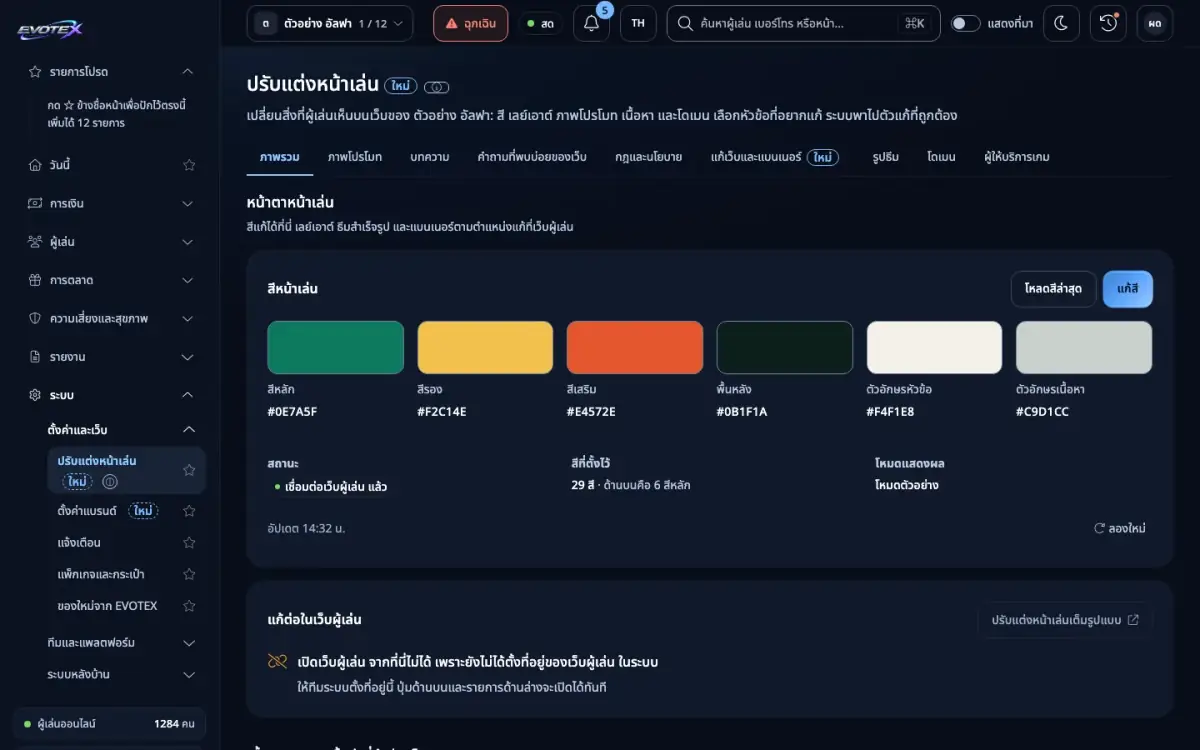
Try the color editor in the demo: five colors, fonts, and font size
The color editor in the demo has a Quick setup box at the top of the Colors tab. You pick just five colors, and the system works out the rest.
You can try it yourself in the player site color editor in the demo (opens in a new tab). Open the Themes and colors tab on the Player site page, then choose the Colors tab.
- Pick the mode players see first: light or dark
- Pick the main color, secondary color, accent color, site background, and card background, five colors in all
- The system works out the other 22 colors, for a full set of 27 colors. Change any one color and the rest move with it
- If a color pair is hard to read, the box warns you and offers a Use the suggested color button
- Choose from 6 Thai fonts, and set the font size anywhere from 13 to 18
If you want finer control, there's also a readability meter further down that covers 21 color pairs, plus a preview of the player site at three screen sizes: mobile, tablet, and desktop. The preview is a mockup, not the live player site.
One thing to know: the demo lets you choose colors and see the result, but it doesn't write the colors to the live player site yet. Saving colors to the live player site happens at installation.
How templates and white label differ
People often use these two terms interchangeably.
- A template is the layout of the player site. Templates you can choose from right now: 6. On the templates page, only one picture is the real player site, and the rest are template mockups.
- White label is your name, logo, and colors, laid over the template you choose.
You can see the look of each design on the player site templates page, where you can see all 6 designs. On that page only one picture is the real player site, and the rest are template mockups. There is no live site to click through for each design yet. The real example player site for the EVOTEX brand is also on the templates page.
The package comes with 1 player site template.
- An EVOTEX package includes 1 template
- Brands that need several templates: request a quote
See the add-on prices on our packages (page in Thai).
Who does what: your side, our team
This makes it easier to plan before launch day.
Your side prepares:
- The brand name to use
- A logo. Having both a light-mode and a dark-mode version makes it easier
- Your preferred colors, or just one main color
- The template you like
Our team does:
- Sets up admin accounts, team permissions, game providers, and the player site before launch day
- Turns the player site into your brand within 7 working days after you choose a template. That's a target, not a promise
After launch, who changes the colors and logo? Ask our team before you sign, and ask for the answer as text you can keep.
Opening a new brand: four short steps
- Agree the scope with our team and tell them how many brands you run
- Choose a template, then send our team your name, logo, and colors
- Our team sets up the back office and the player site for you
- You check it together before launch day, then open the brand
If you want a day-by-day plan, read the detailed order of work in brand your player site in 7 working days.
Ask our team before you agree: five questions to get answered in writing
This page doesn't answer the first four yet. The fifth one already has an answer.
| What to ask | What this page can answer right now |
|---|---|
| Does the EVOTEX name show anywhere on your player site? | Not stated yet. Ask our team |
| After launch, can the owner change the colors and logo, or does our team do it, and what does it cost? | Not stated yet. Ask our team |
| Can you change the template after launch? | Not stated yet. Ask our team |
| Who owns the brand's domain, and can you move it out? | Not stated yet. Ask our team |
| How many templates does the package include? | 1. No extras to choose from. Several brands: request a quote |
If you're comparing several vendors, ask all of them the same five questions and compare the answers in writing. For how these steps compare with building it yourself, read build it yourself or use a ready-made system.
Who it's not for
Not for: people who need to see a live template site for each design before they decide, because right now only one design has a real player site picture, and the rest are template mockups. There is no live site to click through for each design yet.
Keep reading
Read on by interest:
- The big picture of launching a turnkey betting website is in the full checklist
- Scope of use and the order of getting started are in renting the system
- The full set of player site color editor screens is in the player site in the demo (page in Thai)
- The agent side is in the agent system
- Try it yourself before you talk to us in try the back office with sample data
Related reading
Rent the system
All three scopes of use
Launch checklist
What to prepare before launch day
About us
The engineers who build both the back office and the player site, and how we work

Request a demo
See what the template looks like and what it costs, then try the color editor in the demo before you talk to our team