
Partner commission: pay in a batch or one at a time from one queue
Partners who bring in players keep asking when their commission will arrive, so the finance team wants to pay quickly and check everything on one page. The back office commission queue shows what's waiting to be paid, lets you pay in a batch or one at a time, and shows commission reports in the demo. The package includes the back office and your brand's player site in one bundle. If you're planning a turnkey betting website that relies mainly on partners, go ahead and try the queue. For a multi-level agent structure, ask when you discuss the scope, because the demo has no such screen yet.
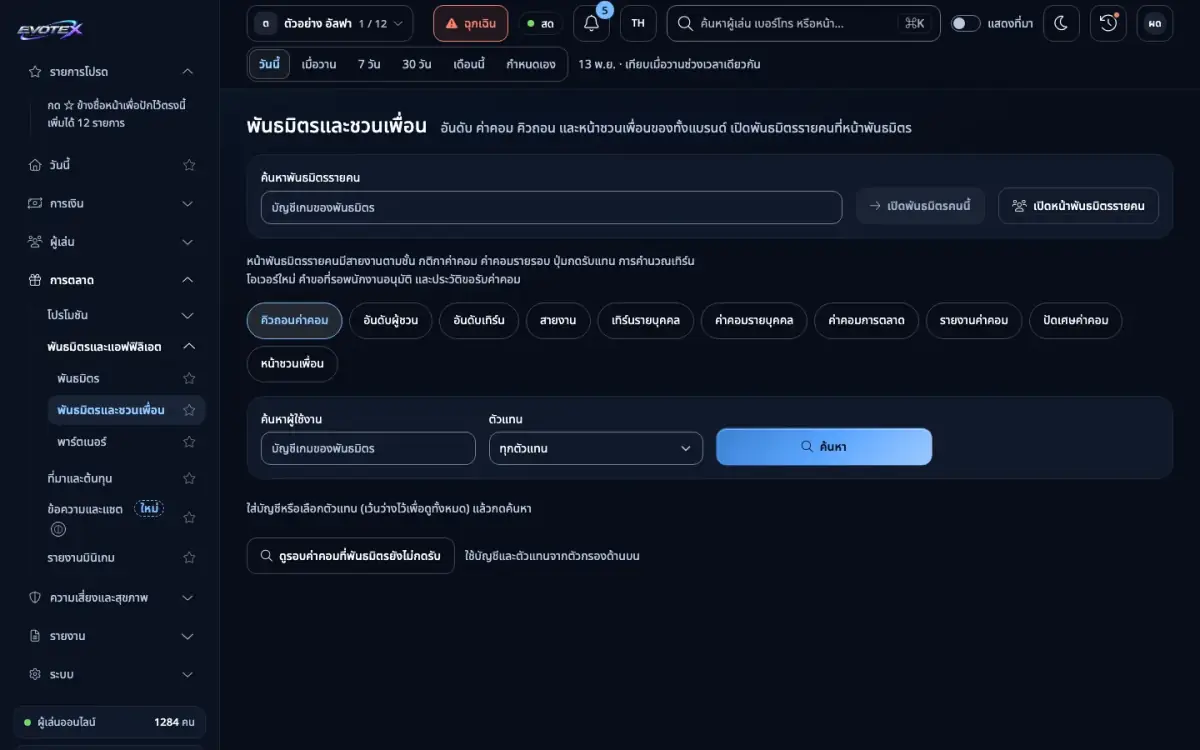
Not for: people who need to set multi-level commission rates in the back office from day one.
5
Features in this group
5
Items you can try in the demo
All
The demo uses sample data throughout
Every page in the demo uses sample data and has nothing to do with any brand's money or accounts
Agents and commission: feature by feature
- sample in the demo
The commission queue: waiting, paid, rejected
See the total for each status in one strip, with no adding up by hand
The Partners page gathers commission withdrawal requests into one list. A summary strip at the top shows the totals for waiting to be paid, paid, and rejected. Owners and the finance team see the overall picture without adding up the totals themselves, and can answer a partner who asks where their item is from a single page, as soon as they open it.
- sample in the demo
Pay commission in a batch of several items
Tick everything waiting to be paid and pay in one round, so partners get their money sooner
Tick everything that's waiting to be paid, then pay as a batch from a single confirmation box, with no opening items one at a time. Partners waiting for commission get paid sooner, and the finance team doesn't waste time on repeat work. You can click pay in the demo for real, but no real money is transferred. The finance team can finish the commission payout in one round, instead of paying out one partner at a time.
- sample in the demo
Pay or reject one item at a time from the side panel
Open the details and decide in one panel
When an item needs a closer look first, click the row and a side panel opens with the details. The finance team can choose to pay or reject right from that panel, and the result shows in the same row. On a phone the panel slides up from the bottom of the screen, so an owner can approve an important item while on the move. It also reduces clicking the wrong row when there are many items.
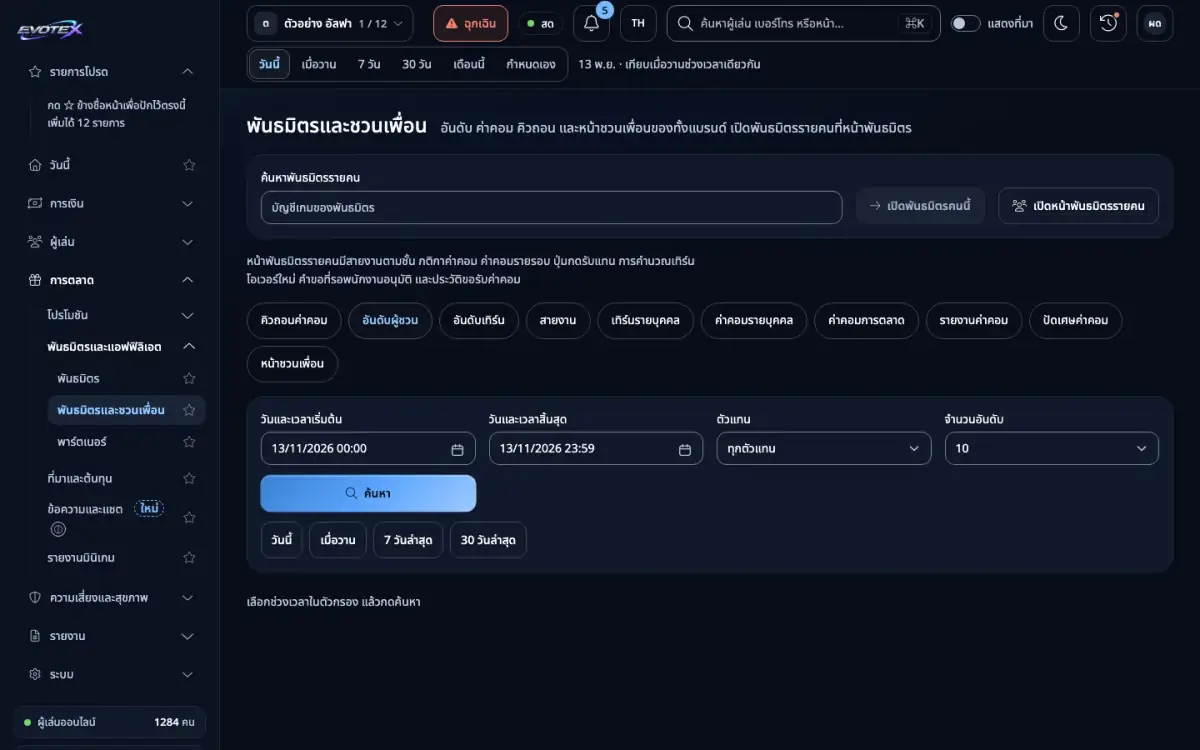
(sample data from the EVOTEX demo) - sample in the demo
Commission report by partner
See how many players and how much commission each partner brings
The Reports page has a commission report by partner. You can choose the date range, compare it with the previous range, and export it as a CSV file. Owners use it to see which partner is producing more than the others before they talk about terms for the next round, so they can decide more precisely. Everything in the demo is a sample.
A sample report, not data from a live system yet
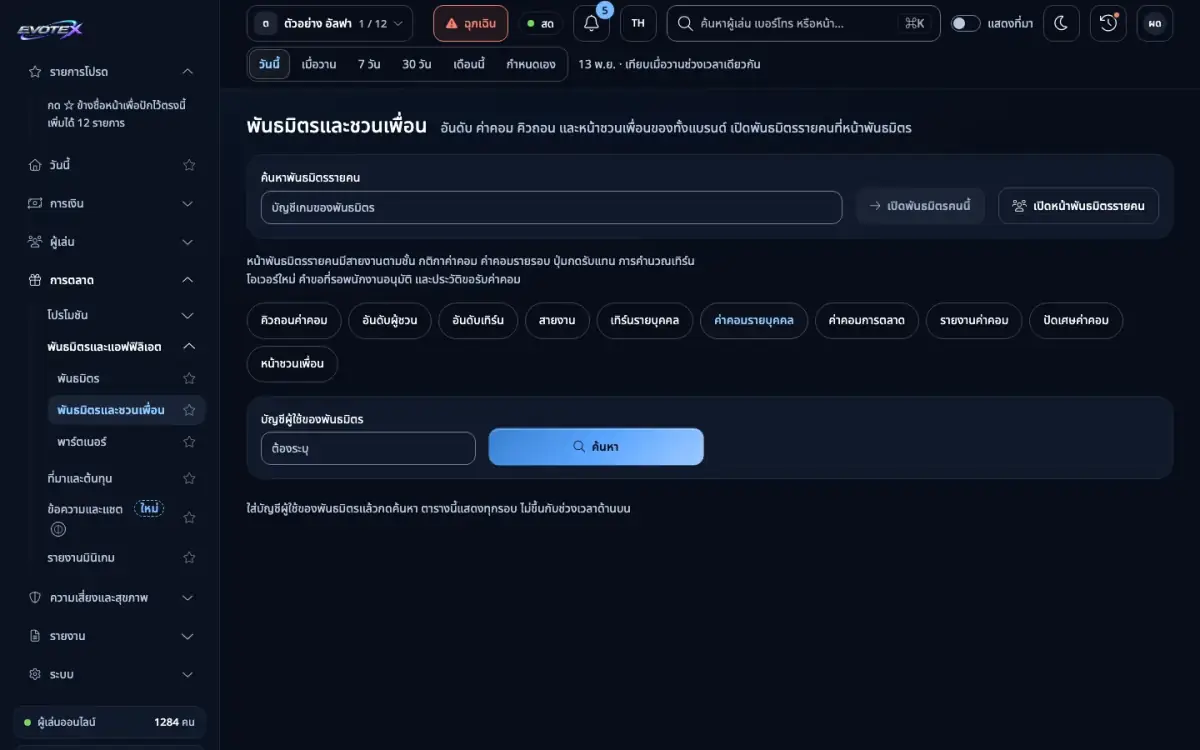
(sample data from the EVOTEX demo) - sample in the demo
Daily commission report
See the commission earned each day as a chart and a table
The daily commission report shows the amount earned each day as a chart and a table, with a total row and numbers compared with the previous range. The finance team uses it to check that the amount waiting to be paid matches the amount actually earned before they click pay as a batch. You can export it as a CSV file, which reduces the chance of paying the wrong amount.
A sample report, not data from a live system yet
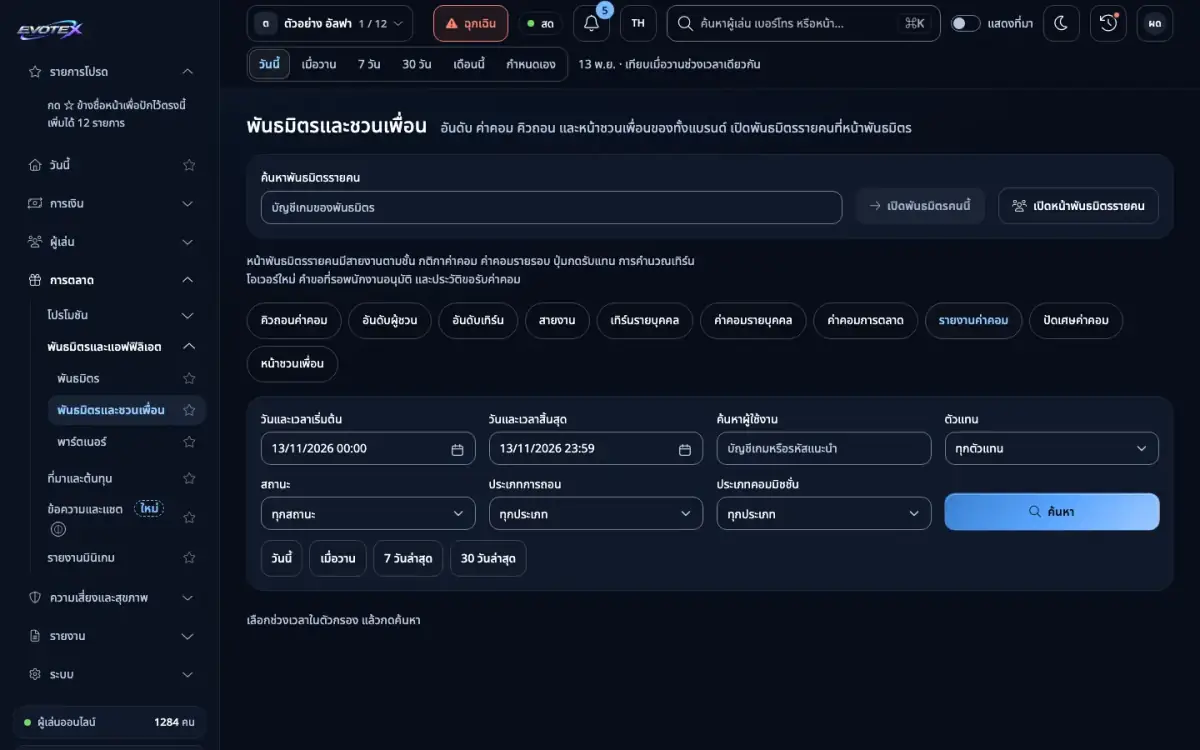
(sample data from the EVOTEX demo)
Not in the demo yet
Items that are not in the demo yet
- A page for organizing a multi-level agent structure and setting commission rates is not in the demo yet.
- Cancelling a commission statement and recalculating the turnover requirement are in the system contract, but there's no screen for them in the demo yet.
Frequently asked questions
Is there a multi-level agent system with commission rate settings?
The demo currently has the commission payout queue and the commission reports. A page for organizing sub-agents and setting commission rates is not in the demo yet. We say so plainly because we don't want you to find out after you've started using it. If your business needs it, ask our team when you discuss the scope.
Can I move partners over from my old system?
Our team helps plan the move of the data as a service, not as an import tool in the back office. What can be moved, and how long it takes, is something you discuss during your demo call. Read the checklist in migrating your back office.
If I click pay commission in the demo, does real money go out?
No. The demo runs entirely on sample data. The partner names, amounts, and number of referrals are values made up for trying it out. If your team wants to decide who is allowed to pay commission, see the permission settings in team and alerts.
Related reading
Agent system
Agents, commission, and team permissions
Agents and commissions
The Partners page is a queue of commission withdrawal requests. Finance pays or rejects each one.

Want to see the real thing before you talk to us?
Our team's target is to open a new brand within 14 to 21 working days after the scope is agreed. That's a target, not a guarantee. See packages and pricing (page in Thai), or keep reading about the agent system, before you talk to our team.
See the package and price (page in Thai)